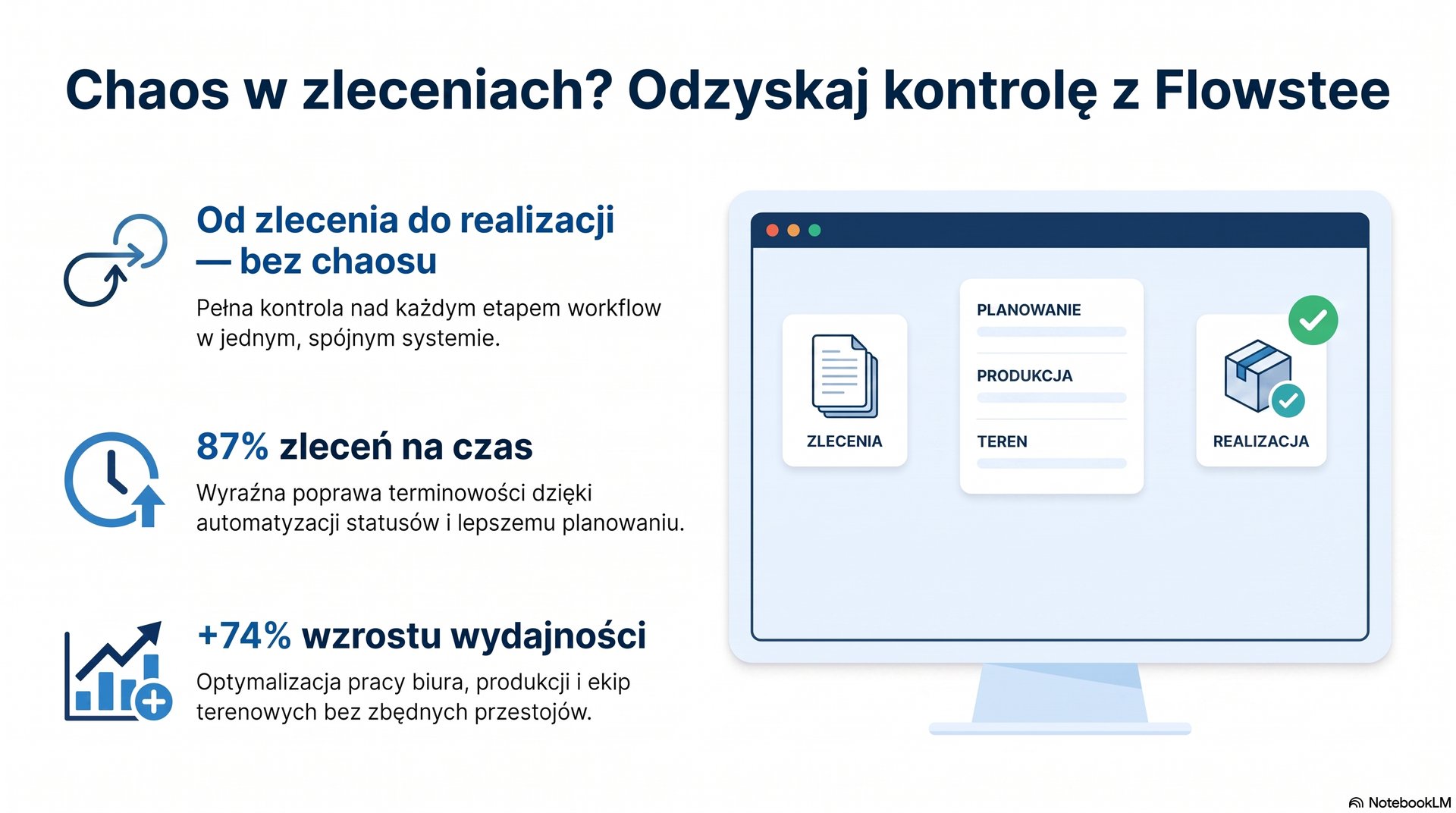
Order Chaos? It’s Time to Take Back Control
· 8 min czytania(zaktualizowano 08 August 2026)
As your business grows, managing orders can quickly become chaotic. Flowstee helps you organize orders, track their progress, manage responsibilities, and keep your entire team on the same page.
Growing number of orders? Keep them under control.
See how Flowstee helps you organize orders, track their progress and keep your team on the same page.
Order Chaos? It’s Time to Take Back Control
The more orders a business handles, the harder it becomes to keep track of information, deadlines and responsibilities. The real problem starts when you spend more time looking for information than managing the work itself.
Just Another Day at the Office
Imagine a typical Monday morning.
A customer calls.
“Hi, I just wanted to check the status of my order.”
You open your computer and check Excel. Some of the information is there, but not everything.
You search through your inbox.
There is an email from the customer from a few days ago, but it looks like some additional details were discussed over the phone afterwards.
You ask someone on the team.
“I think it’s already in production.”
A few minutes later, another employee asks:
“What about that other order? The customer sent a change yesterday. Has anyone checked it yet?”
And just like that, another workday begins.
Not with getting orders done.
But with looking for information about orders.
With a few orders, you can usually keep things under control. The owner knows the customers, employees remember their tasks, and most of the important information is still in people's heads.
But then the company grows.
There are ten, twenty, or even more active orders.
And suddenly, the way of working that used to work perfectly well becomes a source of everyday chaos.
The Problem Isn’t the Number of Orders
Having more orders is obviously a good thing.
It means more customers, more revenue and an opportunity to grow the business.
The problem starts when the way you manage orders doesn't grow with the business.
Information is still scattered across the same places:
- Excel spreadsheets,
- email inboxes,
- phone calls,
- messaging apps,
- calendars,
- personal notes,
- and sometimes simply in employees' memories.
Each of these tools can be useful.
The problem appears when you have to combine information from all of them just to answer one simple question:
“What exactly is happening with this order right now?”
If answering that question requires calling an employee, searching through emails and opening several files, it becomes difficult to say that the process is truly under control.
One Order, Lots of Information
Think about a typical order.
A customer sends an inquiry.
The company prepares a quote.
The customer accepts it.
Additional details are agreed.
The order moves into production or execution.
Then someone needs to prepare the next tasks, make sure the deadline is still valid, pass the right information to the next person and eventually complete the order.
That is not one piece of information.
It is an entire history.
When that history is scattered across different tools, every new stage creates another opportunity for something to be missed.
Maybe an important detail is only in one employee's private inbox.
Maybe the deadline was changed during a phone call but never updated somewhere the rest of the team can see it.
Maybe an employee doesn't know that the customer approved a change and starts working based on the previous version.
It doesn't always result in a serious mistake.
Sometimes it results in another phone call.
Another email.
Another fifteen minutes spent figuring out what actually happened.
And when situations like this happen dozens of times a month, the lost time adds up.
One Place Instead of Constant Searching
A well-organized order should answer the most important questions without involving several people.
You open the order and see:
Customer: John Smith
Status: Production
Deadline: August 15
Responsible: Adam
Next step: Prepare for installation
History:
- ✓ Quote prepared
- ✓ Order confirmed
- ✓ Production started
- → Preparation for installation
You don't have to remember where the latest information was saved.
You don't have to ask:
“Who's handling this?”
You don't have to check five different files.
You open the order and see its current state.
That is the difference between simply storing information and actually managing a process.
Flowstee Helps Organize Your Orders
Flowstee was designed with this way of working in mind.
Instead of treating every order as a single row in a spreadsheet, you can organize the entire process around it.
Each order has its own information, status, deadline and responsibility.
You can see which orders are new, which ones require attention, which are currently being worked on and which have already been completed.
Your team doesn't have to figure out from scratch what is happening with an order every time someone asks.
Information becomes part of the process.
From the First Contact to Completion
Imagine a simple workflow:
NEW ORDER
↓
QUOTE
↓
CONFIRMED
↓
IN PROGRESS
↓
QUALITY CHECK
↓
COMPLETED
Each stage can involve different tasks and different people.
That means an employee doesn't have to ask:
“What am I supposed to do now?”
They can see where the order is in the process and what the next step should be.
This becomes especially important when an order moves between several people or departments.
Sales can pass the order to the team responsible for execution.
The execution team can move it to the next stage.
The next person can see what has already been completed and what still needs to be done.
Without having to reconstruct the entire history from a series of messages.
An Order Status Should Mean More Than “In Progress”
Simply marking an order as “in progress” often doesn't tell you much.
What does it actually mean?
Has someone already started working on it?
Are you waiting for materials?
Does the customer still need to approve something?
Is the deadline at risk?
Is the order already finished but waiting for the next stage?
A well-organized workflow should make it easier to understand what is actually happening with an order at any given moment.
The clearer the process, the less room there is for guesswork.
And less guesswork means less unnecessary communication.
Fewer Questions Across the Team
A good system isn't supposed to replace your employees.
It should make sure employees don't waste time looking for information that already exists.
Instead of:
“Check Excel.”
“Ask production.”
“I think it was in an email.”
“I don't remember who's handling it.”
you can simply check the order.
It may seem like a small change, but in a growing team it quickly becomes noticeable.
Less interruption.
Fewer calls.
Fewer messages.
Less repeating the same information.
More time for the work that actually matters.
What About the Business Owner?
For the owner, organized order management has another important advantage.
You don't have to be the only place where the company's knowledge lives.
If people constantly ask:
- “What happened with this customer?”
- “Is this order ready?”
- “When is the installation?”
- “Did the customer approve the change?”
and the owner is the only person who knows the answers, the business becomes dependent on one person.
That may work for a while.
Until you take a vacation.
Until the number of customers grows.
Until the workload increases.
Or until you simply have one of those extremely busy days.
A business should run on processes, not on one person's ability to remember every detail.
It’s Not About Adding Another Tool
You can always create another Excel spreadsheet.
You can create another communication channel.
You can create another task list.
But the problem is often not a lack of tools.
The problem is having too many places where information is stored.
That's why the goal shouldn't be to add another system on top of existing chaos.
The goal should be to organize the process itself.
One order. One history. One current status. Clear responsibility.
When Is It Time to Organize Your Orders?
You don't have to wait until something goes seriously wrong.
If you notice that:
- you are spending more and more time looking for order information,
- employees keep asking questions that should have clear answers,
- customers frequently call to ask about order status,
- deadlines require constant manual follow-up,
- your Excel files are becoming harder to maintain,
- more and more information depends on the owner's memory,
then it may be a good time to rethink how your team manages orders.
Not because your company is doing something wrong.
But because it is growing.
Flowstee — More Control, Less Chaos
Order management shouldn't be about constantly checking, asking and reminding.
It should be about knowing what is happening with your team's work.
Flowstee helps bring orders together in one place, organize their statuses, deadlines and responsibilities, and move them through the stages of your workflow.
With Flowstee:
- employees know what they need to work on,
- owners can see what is happening across the business,
- important information is easier to keep in one place,
- order statuses are always accessible,
- deadlines and next steps are easier to manage.
But the most important part is something much simpler.
The goal isn't to create a more complicated system.
The goal is to make everyday work easier.
If your business is handling more and more orders, customers and employees, don't wait until organization becomes a bottleneck.
Get your orders organized before chaos starts running the business for you.
Take Control of Your Orders with Flowstee
See how Flowstee can help your team organize orders, track progress and keep everyday work under control.
Spend less time searching for information.
Spend less time asking who is handling what.
Spend more time getting the work done.
[Discover Order Management in Flowstee →]
Wypróbuj Flowstee
Gotowy na cyfrowy porządek w firmie?
Zarządzaj zleceniami, harmonogramem i komunikacją zespołu — wszystko w jednym miejscu. Bezpłatny okres próbny, bez karty kredytowej.